Web Accessibility Training Courses
At Accessibility Partners, our web accessibility training courses are built to empower professionals, developers, and teams with the skills needed to build inclusive and compliant digital experiences. Whether you’re starting out or deepening your knowledge, our flexible programs guide you through WCAG training courses, compliance techniques, and accessibility testing training.
Our programs include beginner, intermediate, and advanced web accessibility courses, each tailored to meet professional development goals and address evolving regulations. Participants gain hands-on experience with tools, learn to identify accessibility barriers, and develop real-world remediation skills.
Join us to transform your digital content and align with global standards like WCAG 2.1, AODA, and ADA.
Web Accessibility Training Course Overview
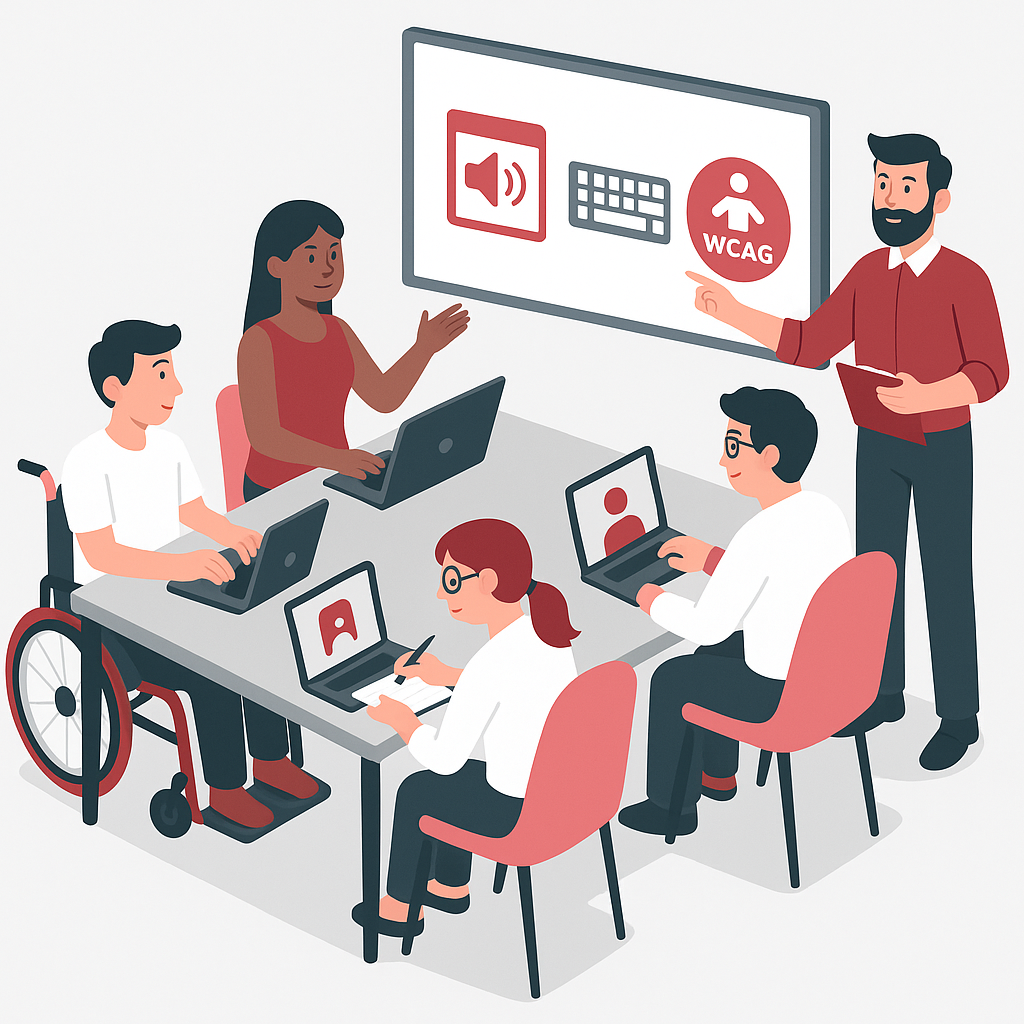
This course provides an essential introduction to web accessibility, focusing on the foundational principles that make the web usable for everyone, including people with disabilities. Participants will learn about the Web Content Accessibility Guidelines (WCAG), explore tools for evaluating web accessibility, and gain practical skills in implementing basic fixes for common accessibility issues. By the end of the course, participants will be able to start making their websites more accessible.
Course Duration
This Course Provide in-depth knowledge and practical skills for creating accessible digital content at your own pace.
Total Duration: 4 Weeks
Weekly Commitment: 2–3 hours per week
Mode: Self-paced with live check-ins
Learning Outcomes
By the end of this course, participants will be able to:
- Grasp core principles of web accessibility training
- Understand user needs across visual, auditory, motor, and cognitive disabilities
- Navigate the Web Content Accessibility Guidelines (WCAG)
- Use industry tools for accessibility testing training
- Identify and implement common accessibility fixes
- Create basic compliance reports and remediation strategies
- Prepare for web accessibility consultant or advocacy roles
Empower your team with our comprehensive web accessibility training. Transform your digital content into an inclusive experience for all.
Target Audience
Our training is ideal for individuals and teams across industries who aim to build inclusive, compliant digital experiences.
Each point below includes content optimized with GSC queries:

Web Developers and Designers
Learn how to apply WCAG training in practical coding environments. Gain confidence in building and testing accessible user interfaces.

Content Creators and Marketers
Understand how to write, format, and structure content for all users, including those using assistive technologies.

UX/UI Designers
Explore inclusive design strategies that meet both aesthetic and accessibility needs, ensuring usable interactions for everyone.

Accessibility Professionals
Expand your expertise in accessibility compliance training and stay current with standards through real-world applications.

QA Testers
Build your skills with web accessibility testing tools and learn to evaluate digital products using both automated and manual techniques.

Organizations and Teams
Equip your workforce with web accessibility online courses that meet compliance needs and foster inclusion across departments.
AODA/ACA Compliance Help
Is Your Organization Undergoing an Audit? Need Expert Help with Your Compliance Report?
Course Curriculum
Each week covers essential content aligned with WCAG accessibility training, practical application, and testing.

Week 1: Introduction to Web Accessibility
Objective:
Learn to use tools and resources to assess website accessibility.
Content:
- Key Concepts in Web Accessibility Training
- Disabilities and user interaction models
- Legal context: ADA, AODA, EN 301 549
- Ethical and business case for accessibility
- Activities: Case studies, accessibility audits

Week 2: Understanding WCAG
Objective:
Navigate and apply WCAG success criteria.
Content:
- POUR principles and WCAG 2.1 overview
- Compliance levels A, AA, AAA
- Common pitfalls in WCAG compliance training
- Activities: Match criteria to web elements, analyze WCAG application

Week 3: Tools for Evaluating Web Accessibility
Objective:
Use tools and techniques to assess accessibility.
Content:
- Tools: WAVE, AXE, Google Lighthouse
- Manual testing: Keyboard-only nav, screen readers (NVDA, JAWS)
- Interpreting reports, prioritizing fixes
- Activities: Live audits, testing walkthroughs
Week 4: Implementing Basic Accessibility Fixes
Objective:
Apply your learning to real websites.
Content:
- Fix common issues: missing alt text, contrast, semantic HTML
- Keyboard accessibility and focus indicators
- CMS accessibility strategies and ongoing maintenance
- Activities: Code remediation, retrofit project
With Accessibility Partners, you receive more than training, you gain a partner in creating accessible, inclusive digital experiences.
Our Other Related Services


Each service complements your web accessibility training courses and supports full digital inclusion and legal compliance.
Frequently Asked Questions
+
Where can I learn web accessibility?
You can learn web accessibility through online courses, workshops, and certifications. Accessibility Partners’ web accessibility training courses offer a complete learning path, from fundamentals to advanced techniques.
+
Is there a WCAG certification?
While the W3C does not offer official WCAG certification, many training providers offer certificates of completion. Our course prepares you for roles requiring WCAG expertise and professional certifications from IAAP and others.
+
What is web accessibility training?
Web accessibility training teaches how to make websites and applications usable by people with disabilities, aligning with standards like WCAG. Topics include screen reader use, color contrast, semantic HTML, and testing techniques.
+
Are AODA and WCAG the same?
No. AODA is a law in Ontario, Canada, that mandates accessibility. WCAG is an international standard developed by the W3C. AODA requires adherence to WCAG for web accessibility compliance.
+
What are common web accessibility mistakes?
Common issues include:
- Missing or improper alt text
- Poor contrast
- Inaccessible form labels
- Lack of keyboard support
- Improper heading structure
- Not using semantic HTML
+
How do I test my website for accessibility?
You can use automated tools (e.g., WAVE, AXE, Lighthouse) and manual testing methods like keyboard-only navigation and screen reader checks. Our course includes training on accessibility testing tools and audit preparation.