When it comes to digital accessibility, two frequently mentioned standards are VPAT and WCAG. While both play a role in supporting inclusive design and reducing legal risk, they serve very different purposes. Understanding VPAT vs WCAG is essential for businesses aiming to offer accessible digital products and win government or enterprise contracts.
In this guide, we’ll explain what VPAT and WCAG are, their key differences, and when to use each—plus how they work together to support compliance and usability.
What is a VPAT?
A VPAT (Voluntary Product Accessibility Template) is a standardized reporting document used to explain how accessible a digital product is. It references established standards such as:
- WCAG 2.1 or WCAG 2.2
- Accessibility Canada Act (Canada)
VPAT reports are most commonly used when selling digital products to government clients, participating in procurement bids, or demonstrating accessibility commitments to partners.
Why VPAT matters:
- Required for many government contracts
- Offers a formal way to communicate accessibility conformance
- Helps vendors show transparency and commitment to inclusive design
The Four VPAT Editions
VPATs come in four editions, depending on your target market or compliance requirements:
- VPAT 508: Based on Section 508 standards (U.S. federal accessibility law)
- VPAT WCAG: Focuses on compliance with WCAG 2.1 or 2.2, widely used for web-based tools
- VPAT EU: Based on EN 301 549, the European accessibility standard
- VPAT INT: Combines multiple standards for international conformance
Selecting the right VPAT version ensures your report aligns with buyer expectations.
What is WCAG?
WCAG (Web Content Accessibility Guidelines) is a global standard developed by the W3C. It provides technical guidelines for creating accessible websites, web apps, and digital documents.
WCAG is based on four key principles, often referred to as POUR:
- Perceivable – Information must be presented in ways users can perceive
- Operable – Navigation and controls must be usable by all
- Understandable – Content should be clear and predictable
- Robust – Content must be compatible with assistive technologies
Understanding WCAG Versions
There are three major versions of WCAG:
- WCAG 2.0 – Still required under AODA in Ontario
- WCAG 2.1 – Adds guidance for mobile and cognitive accessibility
- WCAG 2.2 – Latest version, with new criteria supporting users with ADHD, low vision, and mobility impairments
Each version builds on the previous one, offering better support for a diverse range of users and devices.
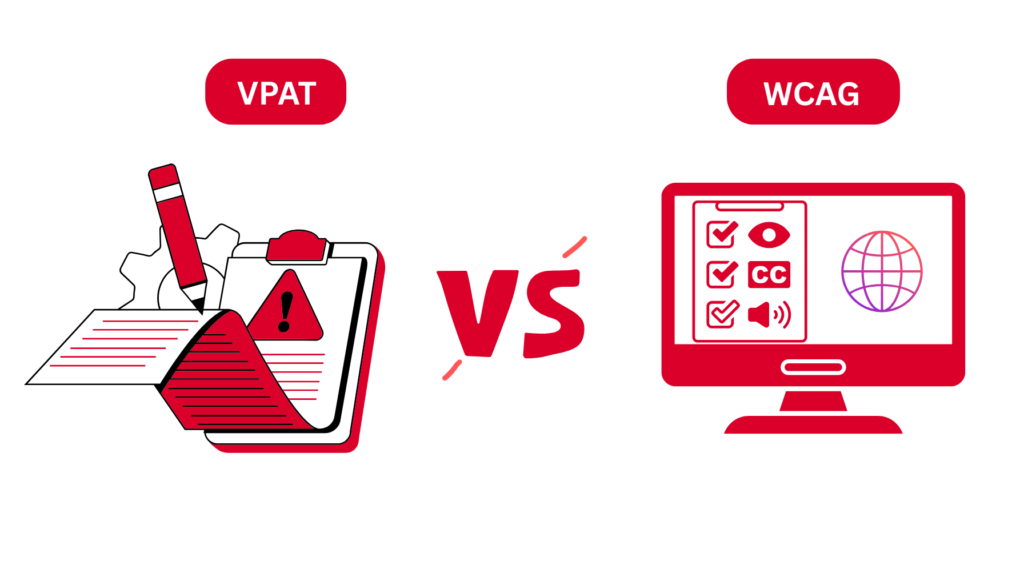
VPAT vs WCAG: Key Differences
| Feature | VPAT | WCAG |
| Purpose | Reporting document summarizing accessibility | Technical guidelines for building accessible content |
| Scope | Covers web apps, software, mobile, hardware | Focuses on websites and digital content |
| Timing | Created after development | Used during development |
| Legal Role | Required in procurement and client requests | Required by accessibility laws like AODA & ACA |
When to Use VPAT vs WCAG
Use a VPAT when:
- You’re responding to a government RFP or compliance audit
- A client asks for formal documentation of accessibility
- You need to prove accessibility for software, apps, or platforms
Use WCAG when:
- You’re developing or auditing a digital product
- You want to meet legal accessibility standards (AODA, ACA, etc.)
- You’re focused on improving user experience and inclusion
In short:
WCAG is the standard you build to.
VPAT is the document you use to prove you’ve met that standard.
How Do VPAT and WCAG Work Together?
Think of WCAG as the foundation and VPAT as the proof.
- Developers follow WCAG to ensure accessible design
- Accessibility specialists or auditors create a VPAT to summarize results
- Organizations use both to maintain compliance and win contracts
Conclusion
Understanding the difference between VPAT vs WCAG is vital for organizations delivering digital content. WCAG guides development; VPAT documents compliance. Both are crucial for building trust, meeting legal requirements, and ensuring that your digital products serve everyone.
Whether you’re launching a new site or submitting a bid, combining WCAG compliance with a professional VPAT report is your best path to accessibility success.
Faqs
No. WCAG is a set of guidelines for designing accessible content. VPAT is a reporting template used to summarize how a product meets those guidelines.
VPAT stands for Voluntary Product Accessibility Template. It’s used to report how well a product meets accessibility standards like WCAG or Section 508.
VPATs are not legally required in Canada but are often necessary for government contracts or procurement processes.
The purpose is to formally document a product’s accessibility, helping clients, auditors, and procurement teams evaluate conformance.
Complete a VPAT by auditing your product against WCAG and relevant standards, then submit the document during client reviews or bids.
No. AODA is a law, while WCAG is a standard. AODA requires organizations in Ontario to follow WCAG 2.0 Level AA for web accessibility.