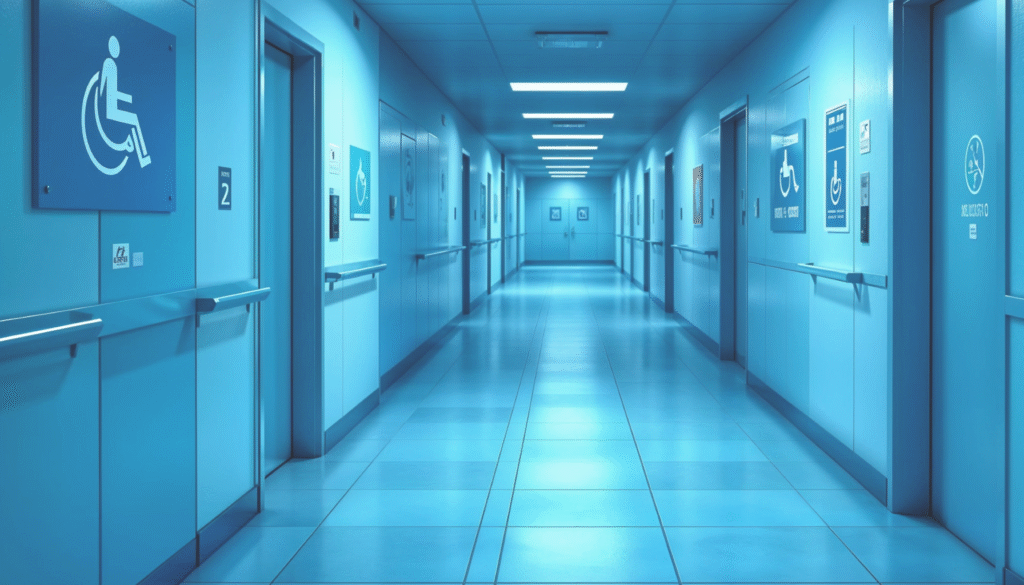
Accessibility in buildings ensures inclusivity, allowing individuals of all abilities to navigate and use facilities with ease. It involves implementing design features and accommodations that meet the needs of everyone, including people with disabilities. Creating accessible buildings is not only a legal requirement under regulations like and AODA but also demonstrates your commitment to equity and universal design principles. Accessibility fosters inclusivity, improves user experience, and promotes the safety and comfort of all visitors.
Steps on How to Make Buildings More Accessible
Making buildings accessible requires thoughtful planning and adherence to universal design principles. Here are key steps to enhance building accessibility:
1. Entrance and Exit
- Install ramps and automatic doors for easy entry and exit.
- Ensure doorways are wide enough to accommodate wheelchairs and mobility devices.
2. Interior Layout
- Maintain wide hallways and doors to provide ample space for wheelchair access.
- Arrange furniture and fixtures to create unobstructed pathways.
3. Signage
- Use clear, large print and Braille signage to guide visitors effectively.
- Include directional signs at key points throughout the building.
4. Flooring
- Use non-slip surfaces and ensure flooring is smooth for safe navigation.
5. Restrooms
- Include accessible stalls with grab bars, lower sinks, and ample space for maneuverability.
- Install automatic fixtures like faucets, soap dispensers, and hand dryers for ease of use.
6. Elevators and Lifts
- How to Make Buildings More Accessible: A Step-by-Step Guide
- Install lifts where elevators are not feasible.
7. Lighting and Acoustics
- Ensure adequate lighting for clear visibility.
- Minimize noise by using acoustic treatments to reduce distractions and enhance sound clarity.
8. Parking and Pathways
- Allocate accessible parking spaces close to the entrance, marked with clear signage.
- Maintain clear pathways free of obstacles for easy navigation.
9. Emergency Systems
- Use visual and audible alarms for emergency notifications, ensuring inclusivity for individuals with hearing or visual impairments.
10. Consultation and Compliance
- Work with accessibility consultants to evaluate and enhance your building’s compliance.
- Conduct regular reviews to stay updated with evolving accessibility standards.
Benefits of an Accessible Building
Accessible buildings offer several benefits:
- Inclusivity: Accommodates people of all abilities, fostering equality and dignity.
- Legal Compliance: Meets regulations like AODA, and other accessibility standards, avoiding penalties.
- Increased Usability: Enhances navigation, comfort, and safety for all visitors, including those with temporary or permanent disabilities.
- Positive Brand Image: Demonstrates a commitment to social responsibility, improving reputation and customer loyalty.
- Broader Audience Reach: Expands your business’s reach by making it accessible to everyone.
Conclusion
Creating accessible buildings is essential for fostering inclusivity, ensuring safety, and meeting legal requirements. By implementing features like ramps, accessible restrooms, clear signage, and elevators, you can make your building more welcoming and usable for individuals of all abilities. Regular consultation with accessibility experts ensures your building remains compliant and up-to-date with evolving standards.
FAQs about How to Make Buildings More Accessible
The basic steps include adding ramps, wide doorways, accessible restrooms, clear signage, and ensuring adequate lighting and emergency systems.
Install ramps, elevators, and lifts, widen doorways and hallways, and ensure parking spaces and pathways are clear and accessible.
Laws like AODA, and similar regulations require accessible entrances, restrooms, signage, and emergency systems, among other features.
Accessible signage should include large print, high contrast, Braille, and directional markers to guide all users effectively.
Yes, technologies like smart elevators, touchless systems, and wayfinding apps enhance accessibility for all users.
Consult with accessibility experts, conduct regular audits, and implement changes to align with standards like AODA, and WCAG.
Ready to improve your building’s accessibility? Contact Us for expert guidance and support!