Assistive Technology User Testing for a National Museum — Beyond Automated Scanning
Automated tools said the site was largely conformant. Real users told us something different. The barriers that matter most are often the ones no scanner can find.
Project Overview
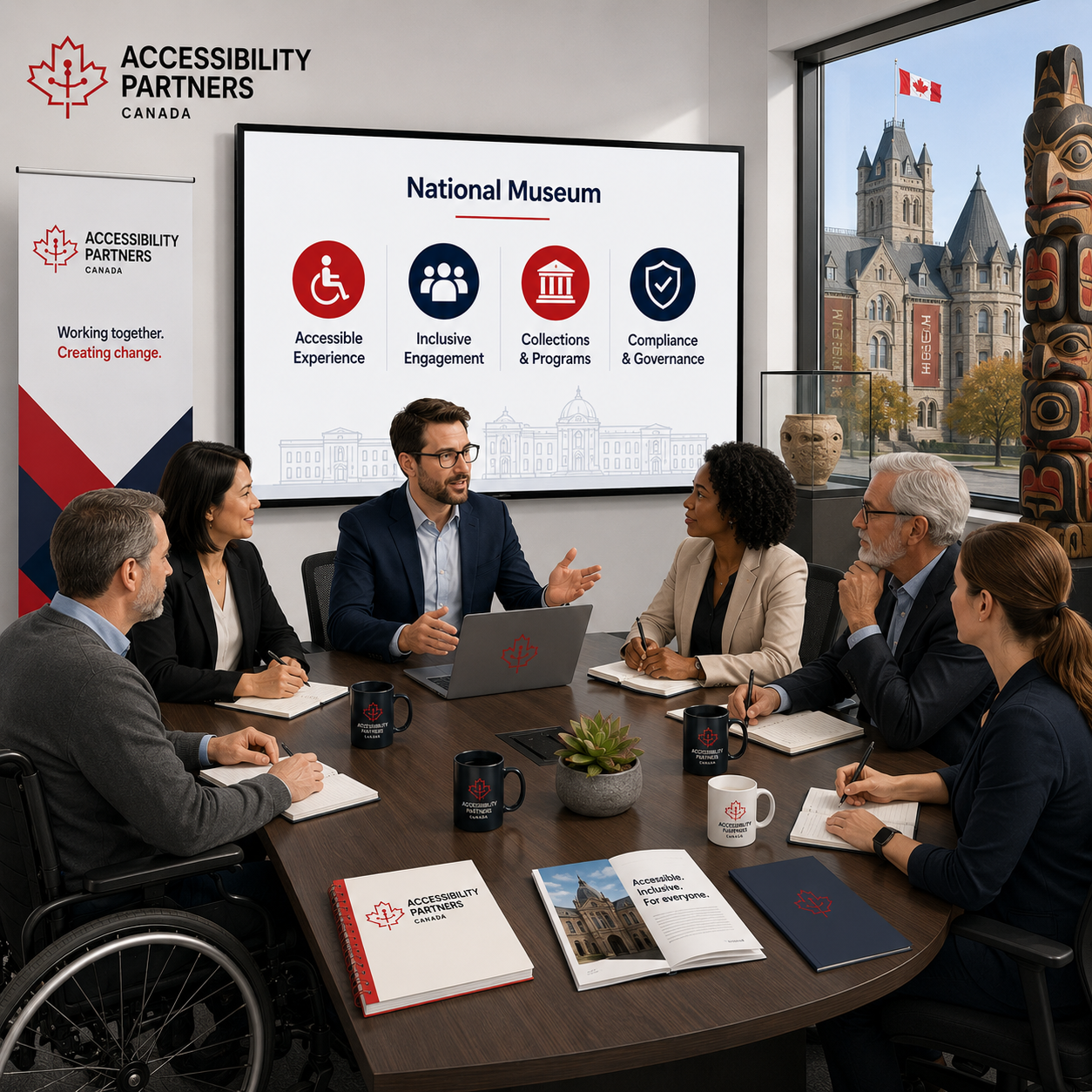
A national museum engaged Accessibility Partners to conduct accessibility user testing on its digital properties. The museum had run automated scans and wanted to go further to understand what it actually feels like to navigate their platforms using the assistive technologies their visitors depend on.
The Limits of Automated Accessibility Testing
Automated scanning tools are useful. They catch missing alt text, colour contrast failures, and certain structural issues efficiently. What they cannot do is tell you whether a screen reader user can complete a task, whether a keyboard-only user can reach every interactive element, or whether a person using voice control can navigate a complex gallery interface. The museum’s automated results presented one conformance picture. They wanted the real one.
Our Assistive Technology User Testing Approach
We recruited, coordinated, and managed testing sessions with real assistive technology users — people who use these tools as part of their daily lives, not researchers operating unfamiliar software. Testing covered NVDA, VoiceOver, iOS Voice Control, Windows Magnifier, and keyboard-only navigation. We conducted both moderated sessions, where a facilitator was present to observe and probe, and unmoderated sessions, which surfaced the experience without the influence of a facilitator.
Every barrier identified was mapped to the specific WCAG success criterion it violated. We delivered a prioritised remediation report with screen captures, session transcripts, and clear developer guidance. We followed the report with a developer workshop to ensure findings translated into action.
Project Snapshot
Industry
National Museum
Location
Canada
Compliance Standard
Accessible Canada Act
Key Result
5 assistive technologies · WCAG-mapped findings
User Testing Results
Services Used


Legislation: Accessible Canada Act
Talk to Us About User Testing
Every engagement we take on is led by a credentialed senior consultant — not delegated to junior staff after the proposal is signed. We hold Government of Canada Standing Offer #1 national ranking, $5M errors and omissions insurance, and twelve years of experience across federal, provincial, municipal, and private-sector clients.
If your organisation has automated scan results but wants to know what your users actually experience, we would welcome the conversation.
Frequently Asked Questions
+
What assistive technologies do you use in accessibility user testing?
Testing commonly includes NVDA, VoiceOver, keyboard-only navigation, Voice Control, and screen magnifiers.
+
What is the difference between moderated and unmoderated accessibility user testing?
Moderated sessions include a facilitator, while unmoderated sessions allow users to complete tasks independently in real-world conditions.
+
Why can’t automated scanning replace real user testing?
Automated tools cannot fully evaluate real user experiences or confirm whether important tasks can actually be completed successfully.
+
How are user testing findings turned into actionable developer guidance?
Each issue is mapped to WCAG requirements and documented with screenshots, explanations, and remediation recommendations.